
- Regular price
- $2,870.00 USD
- Regular price
-
- Sale price
- $2,870.00 USD
- Unit price
- per
![Business Infographic Presentation - PowerPoint template PowerPoint Template-5,600+ slides [28 template]](http://slidesharez.com/cdn/shop/files/01_BusinessInfographicPowerpointPresentation_MainImage_533x.jpg?v=1773725816)
![Business Infographic Presentation - PowerPoint template PowerPoint Template-5,600+ slides [28 template]](http://slidesharez.com/cdn/shop/files/06_PresentationalImages02_533x.jpg?v=1773725816)
- Regular price
- $4,990.00 USD
- Regular price
-
- Sale price
- $4,990.00 USD
- Unit price
- per
- Regular price
- $12.00 USD
- Regular price
-
- Sale price
- $12.00 USD
- Unit price
- per
- Regular price
- $2,870.00 USD
- Regular price
-
- Sale price
- $2,870.00 USD
- Unit price
- per
- Regular price
- $4,990.00 USD
- Regular price
-
- Sale price
- $4,990.00 USD
- Unit price
- per
- Regular price
- $12.00 USD
- Regular price
-
- Sale price
- $12.00 USD
- Unit price
- per
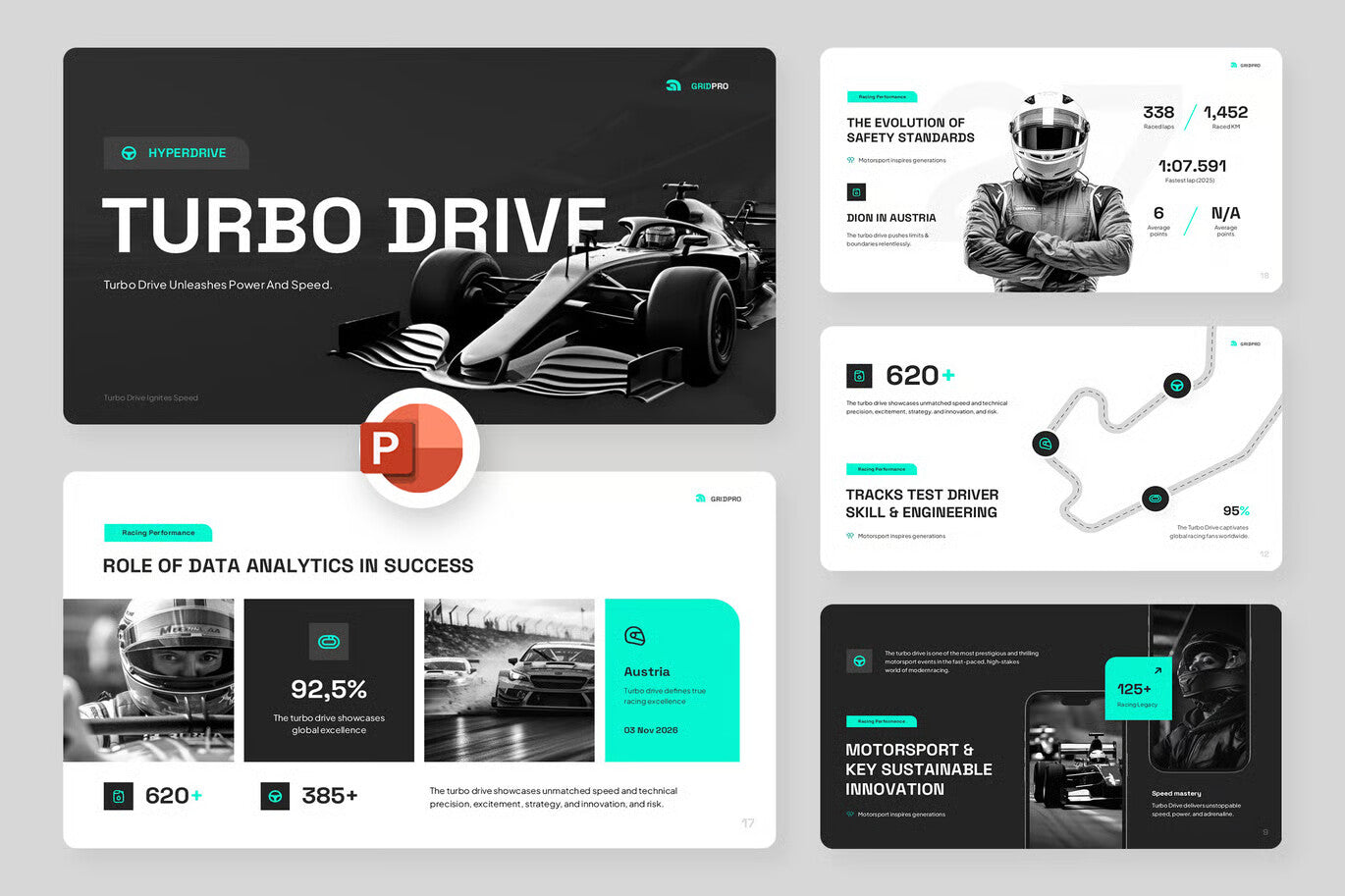
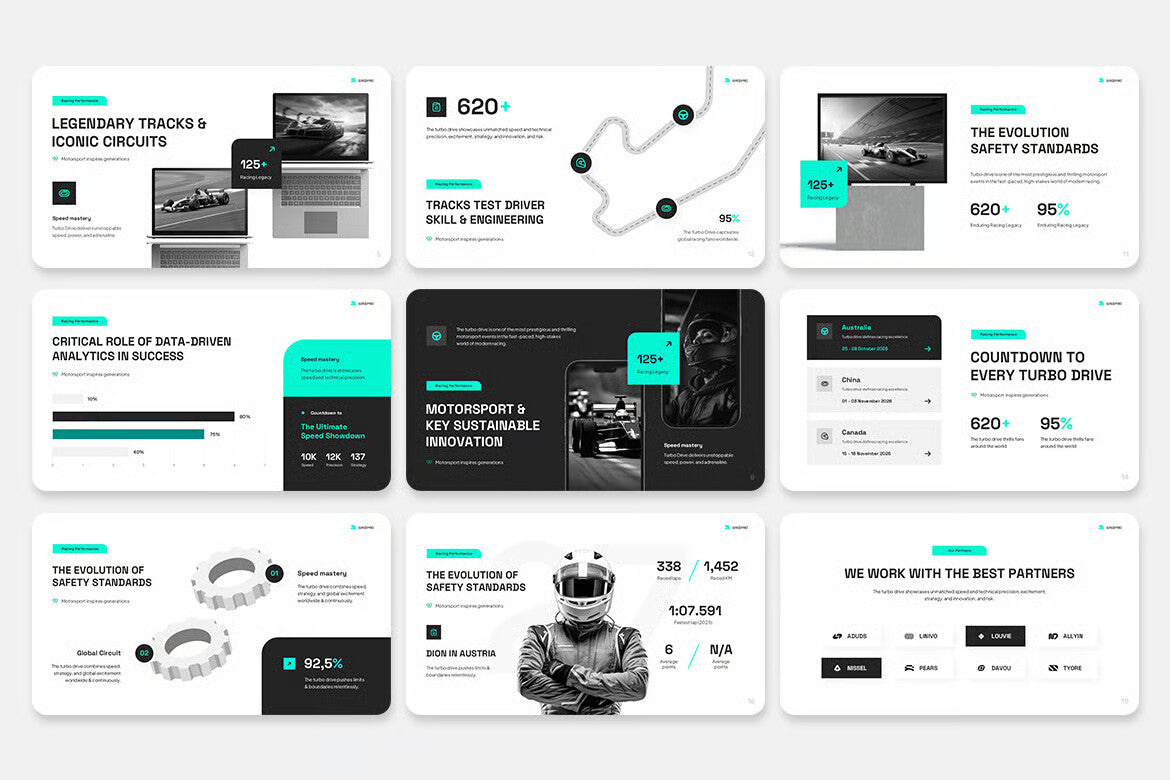

Grand Prix Race Event
- Regular price
- $15.00 USD
- Regular price
-
- Sale price
- $15.00 USD
- Unit price
- per
Vendor : Fast Track Templates
Couldn't load pickup availability
FONT and Icon USED IN THIS TEMPLATE :
Heading Font : Space Grotesk
https://fonts.google.com/specimen/Space+Grotesk
Body Font : Plus Jakarta Sans
https://fonts.google.com/specimen/Plus+Jakarta+Sans
icon
Default Powerpoint
How to Use This Template
Using this template is simple! Follow these easy steps to make the most of it:
1.Editing the Background Layout:
* Go to the View tab and select Slide Master.
* To edit the background for all slides, make changes to the topmost slide (the Layout
Master slide).
* Any changes made to this slide will automatically apply to all background layouts.
2.Adding Pictures:
* Drag your pictures into the placeholder.
* After placing the picture, right-click on it and select "Send to Back".
* This ensures that the transparent shapes on some slides remain visible.
3.Changing Colors:
* Go to the Design tab, click Colors, and select your preferred color scheme.
4.Cropping Pictures:
* Double-click on the image you want to crop.
* On the toolbar, select Crop.
* Adjust the crop handles horizontally or vertically to resize the image as needed.
5.Editing Shadows:
* Some shapes and pictures use shadow effects.
* You can customize these by selecting the element and using the Format Shape or Format
Picture options.
6.Modifying Layouts:
* To change slide layouts, go to View > Slide Master and edit the layout on the first
(largest) slide.
Thank you for using this template! If you have any questions, feel free to reach out.
