
- Regular price
- $2,870.00 USD
- Regular price
-
- Sale price
- $2,870.00 USD
- Unit price
- per
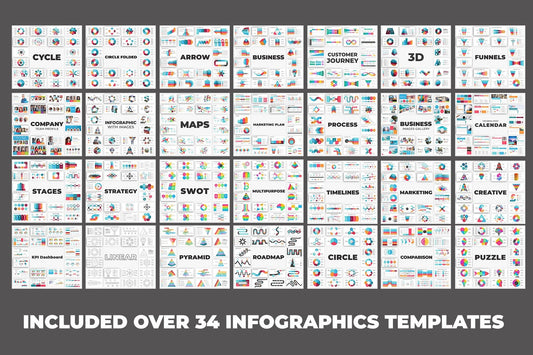
![Business Infographic Presentation - PowerPoint template PowerPoint Template-5,600+ slides [28 template]](http://slidesharez.com/cdn/shop/files/01_BusinessInfographicPowerpointPresentation_MainImage_533x.jpg?v=1773725816)
![Business Infographic Presentation - PowerPoint template PowerPoint Template-5,600+ slides [28 template]](http://slidesharez.com/cdn/shop/files/06_PresentationalImages02_533x.jpg?v=1773725816)
- Regular price
- $4,990.00 USD
- Regular price
-
- Sale price
- $4,990.00 USD
- Unit price
- per

- Regular price
- $12.00 USD
- Regular price
-
- Sale price
- $12.00 USD
- Unit price
- per
- Regular price
- $2,870.00 USD
- Regular price
-
- Sale price
- $2,870.00 USD
- Unit price
- per
- Regular price
- $4,990.00 USD
- Regular price
-
- Sale price
- $4,990.00 USD
- Unit price
- per
- Regular price
- $12.00 USD
- Regular price
-
- Sale price
- $12.00 USD
- Unit price
- per
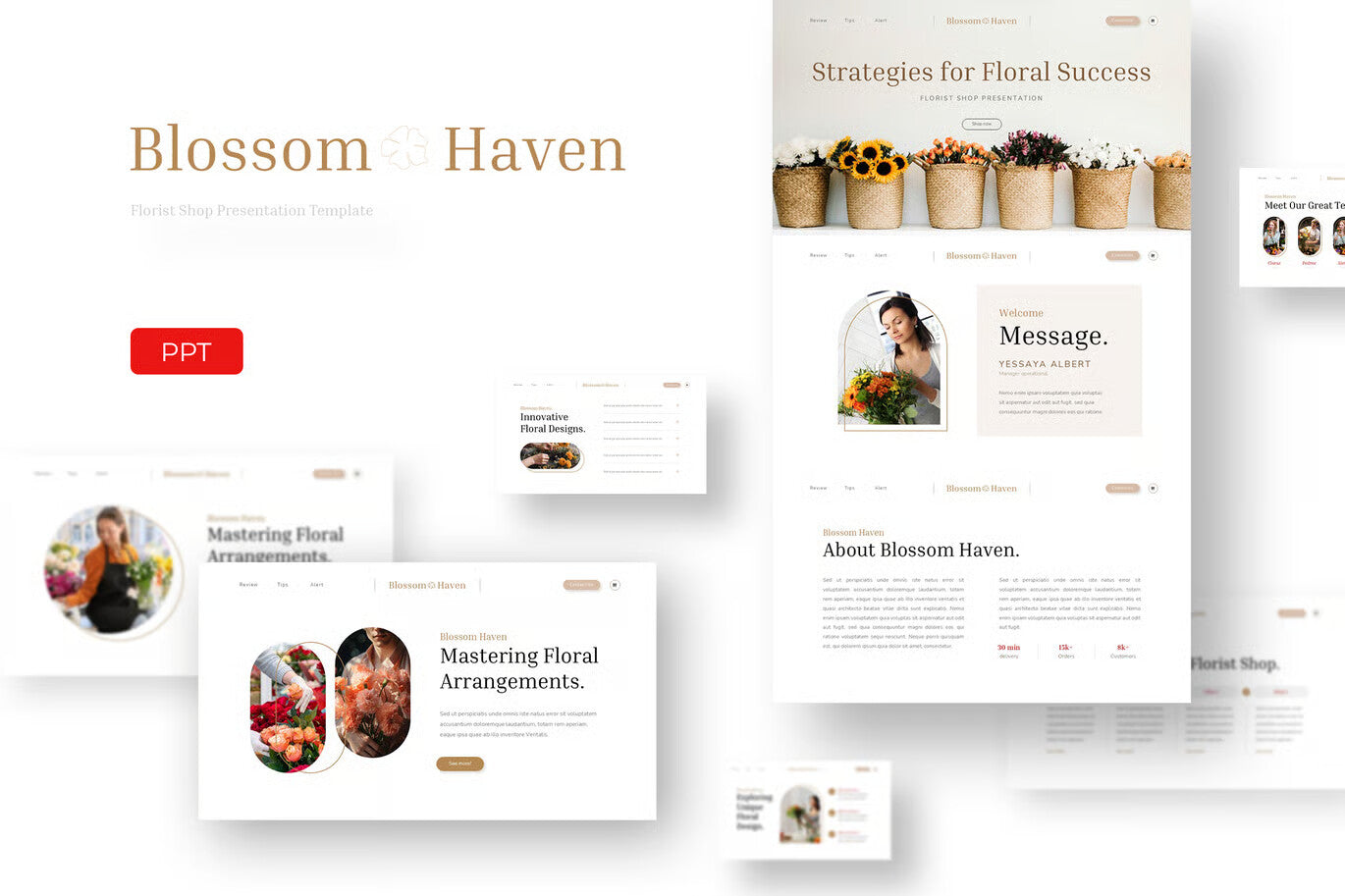
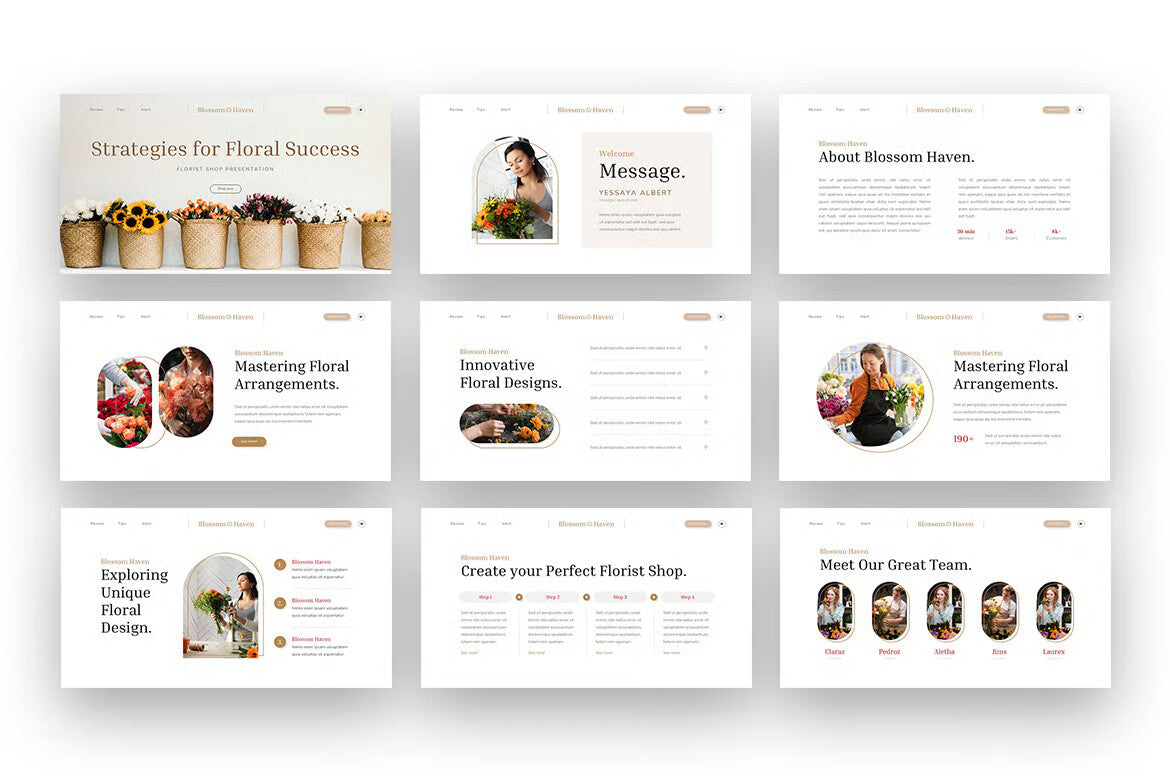

Blossom Haven Presentation Template
- Regular price
- $18.00 USD
- Regular price
-
- Sale price
- $18.00 USD
- Unit price
- per
Vendor : Fast Track Templates
Couldn't load pickup availability
Before you open the Template,
Please download and install "Inria Serif" and "Nunito Sans" fonts:
https://fonts.google.com/specimen/Inria+Serif?query=Inria+Serif
https://fonts.google.com/specimen/Nunito+Sans?query=Nunito+Sans+
Adding Images:
- Click the image placeholder: Locate the designated area where you want to insert your image.
- Choose your image: Most applications have an "Insert Image" or similar option when you click within the placeholder. Use this to browse your files and select the desired image.
- Important: Ensure the aspect ratio of your image matches the placeholder to avoid stretching or distortion.
Changing Color Themes:
- Navigate to the Design Menu: Locate the menu containing theme controls (often labeled "Design").
- Access Color Options: Look for a dropdown menu within the Design options, possibly represented by a downward arrow. Select "Colors" or a similar term to access the color theme selection.
Changing Font Themes:
- Access the Design Menu: Follow step 1 from the "Changing Color Themes" section.
- Choose Fonts: Similar to color options, look for a dropdown menu (downward arrow) within Design settings. Select "Fonts" or a similar term to modify the font theme.
